Todays 3 sales- USA domestic Modalert at $1 | Adderall half price | Free shipping over 190
Sale ends in
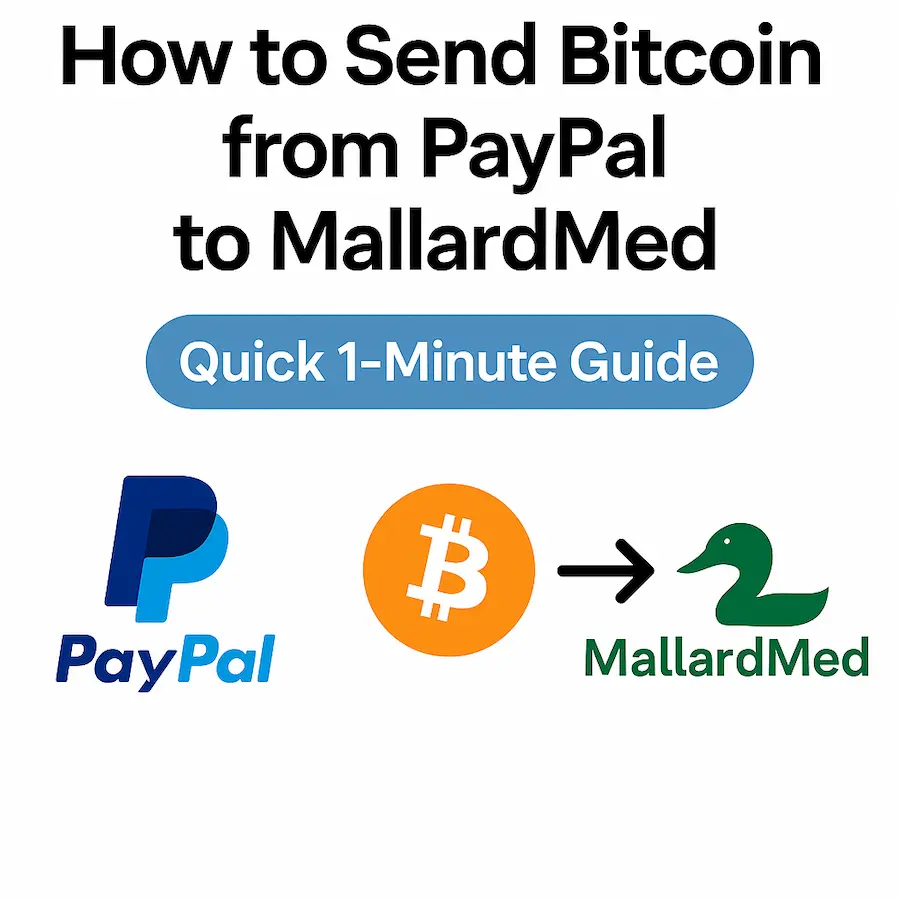
At MallardMed, we make it easy to pay your way — and one of the fastest, safest options is Bitcoin (BTC). If you’ve got a PayPal account, you can now buy and send Bitcoin directly through PayPal itself, then use it to check out at MallardMed.
To make things easy, here is a 1 minute video guide
⚠️ Disclaimer: This guide is for educational purposes. Crypto transactions are irreversible. Always double-check the wallet address at checkout on MallardMed before confirming.
👉 With PayPal + Bitcoin, checking out at MallardMed is smoother than ever.
Order with confidence — and if you run into any hiccups, our support team is always here to help.
Create your MallardMed account today and receive an instant $20 store credit to use on your first order.
Takes less than 30 seconds. Credit is applied immediately after account creation.
No account yet?
Create an Account